Importing your existing customers
Import is not built. There is no spreadsheet upload, no BSI or TOKAY conversion, no duplicate matching and no nameplate photo capture.
Maintained by Psid. Contact support about this guide.
Why it is not here yet
The hard part of an import is not reading the file. It is the row that half-matches something you already have — same address, different spelling; same serial, different customer. An import that guesses quietly creates two records for one backflow, and you find out a year later when one of them goes past due and the other does not.
Until Psid can show you those rows and let you decide, it does not offer the button. There is no upload control anywhere in the app, so nothing can swallow a file and do nothing with it.
What works well in the meantime
- Add customers as you visit them, not all at once. Most testers are current inside one cycle, because you are already standing at the assembly.
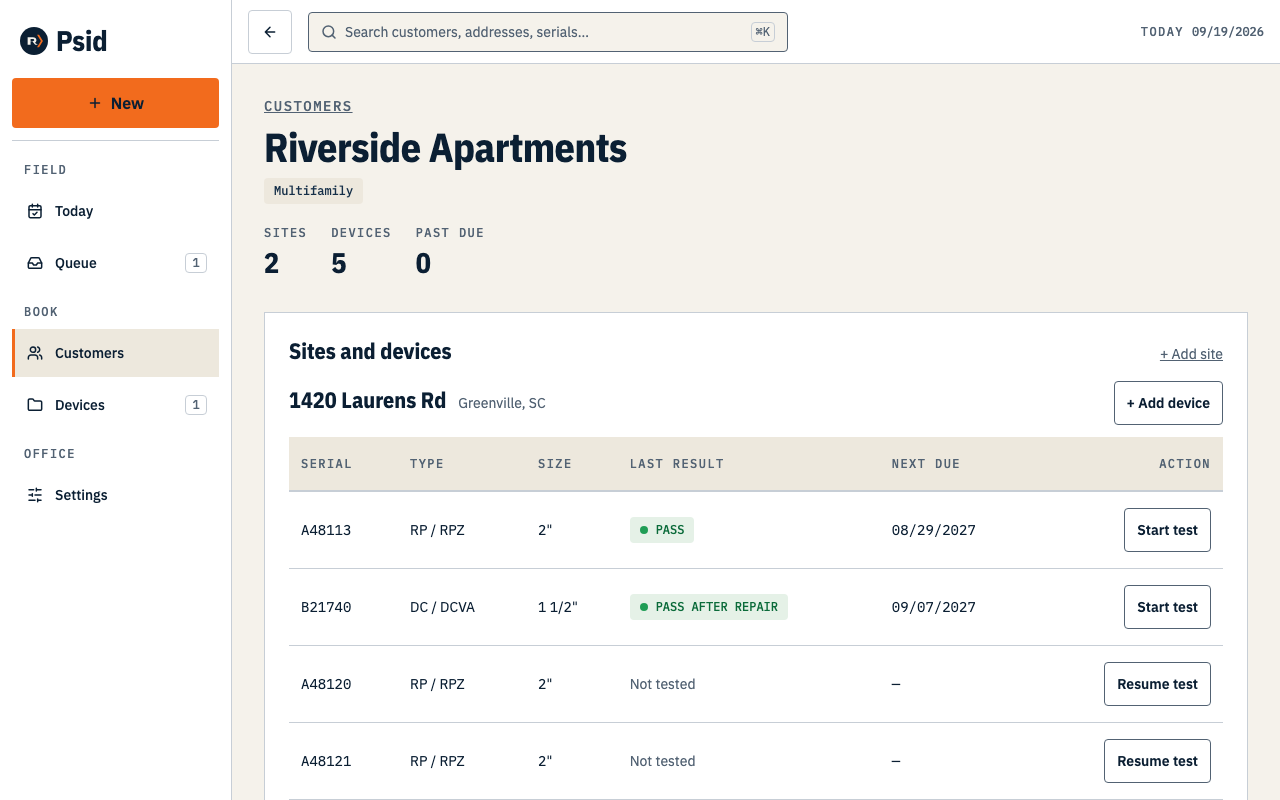
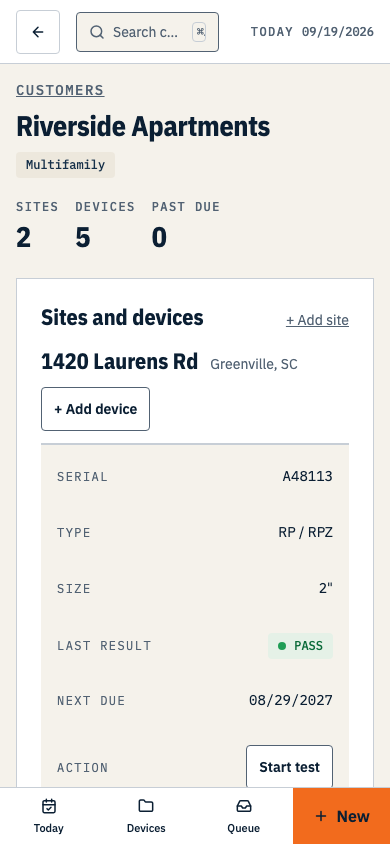
- Add the site and the device from the customer you just saved — each save offers the next step, so it is one pass, not three.
- Serial, make, model and size are the fields worth care. They are what prints, and what identifies the assembly next year.
Keep your file
Do not throw away the spreadsheet or the old system’s export. When import is built, the first thing it will need is the file you have now — and a file exported today is a better source than one reconstructed later.
Ask us
This opens your mail client with the questions already in it. Psid has no form here on purpose: a box that files into nothing is worse than no box.
Send us a sample of your file