Add a customer
A customer is who you bill. Their service addresses are sites, and the assemblies live on the sites — so this is the first of three saves, and each one offers the next.
Maintained by Psid. Contact support about this guide.
Steps
Open Customers in the rail, or press + New and choose Customer.
The + New menu is on every screen in the app, so you never have to find your way back to a list first.
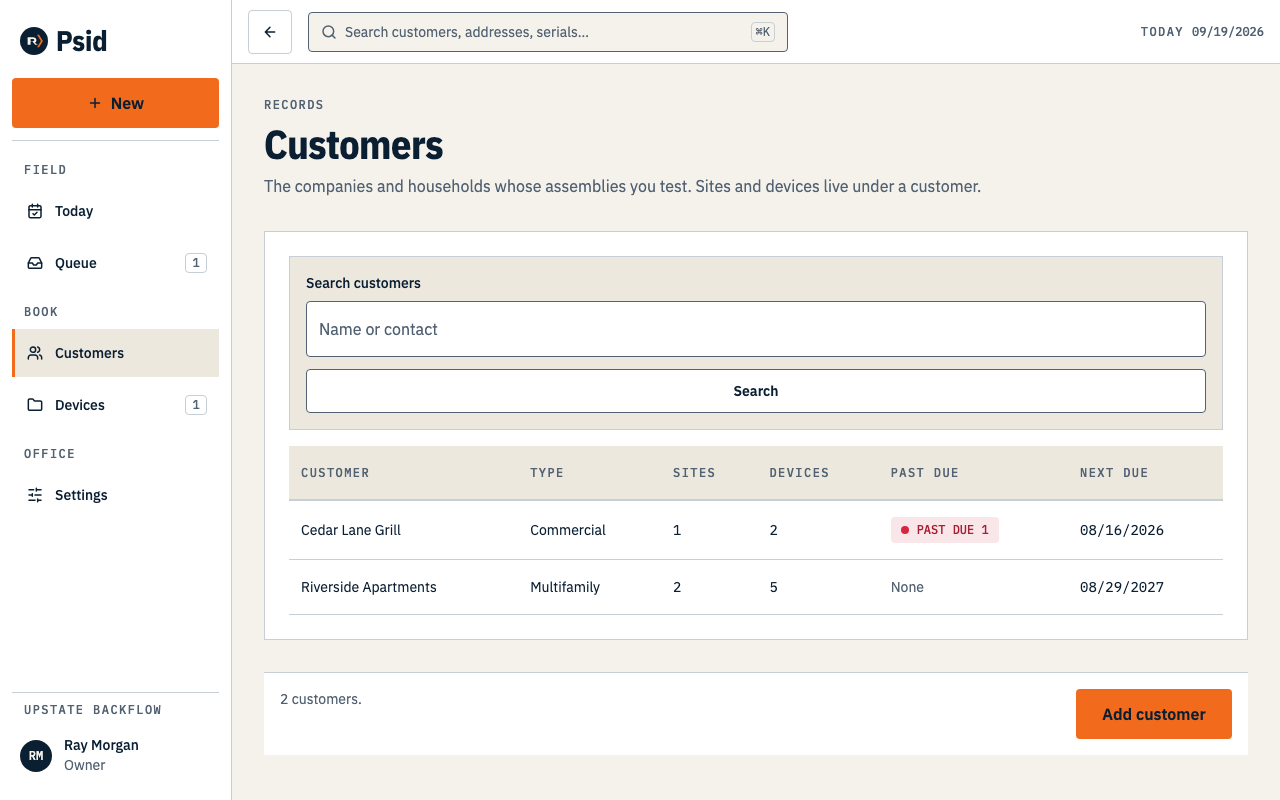
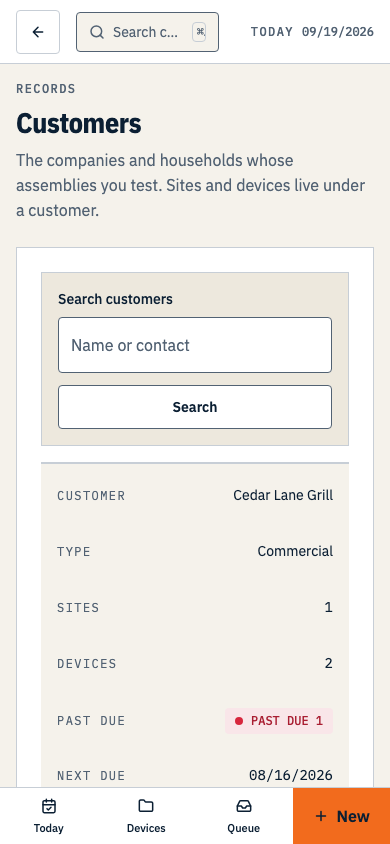
Customers · the list is sorted by name, and the search box matches names and contacts. Press Add customer.
On an empty book, the same action is the only button on the screen.
Type the Name and choose a Type. Those two are required; everything else can wait.
Type is how the book reads later — Commercial, Residential, Irrigation, Fire, Industrial, Multifamily or Municipal.
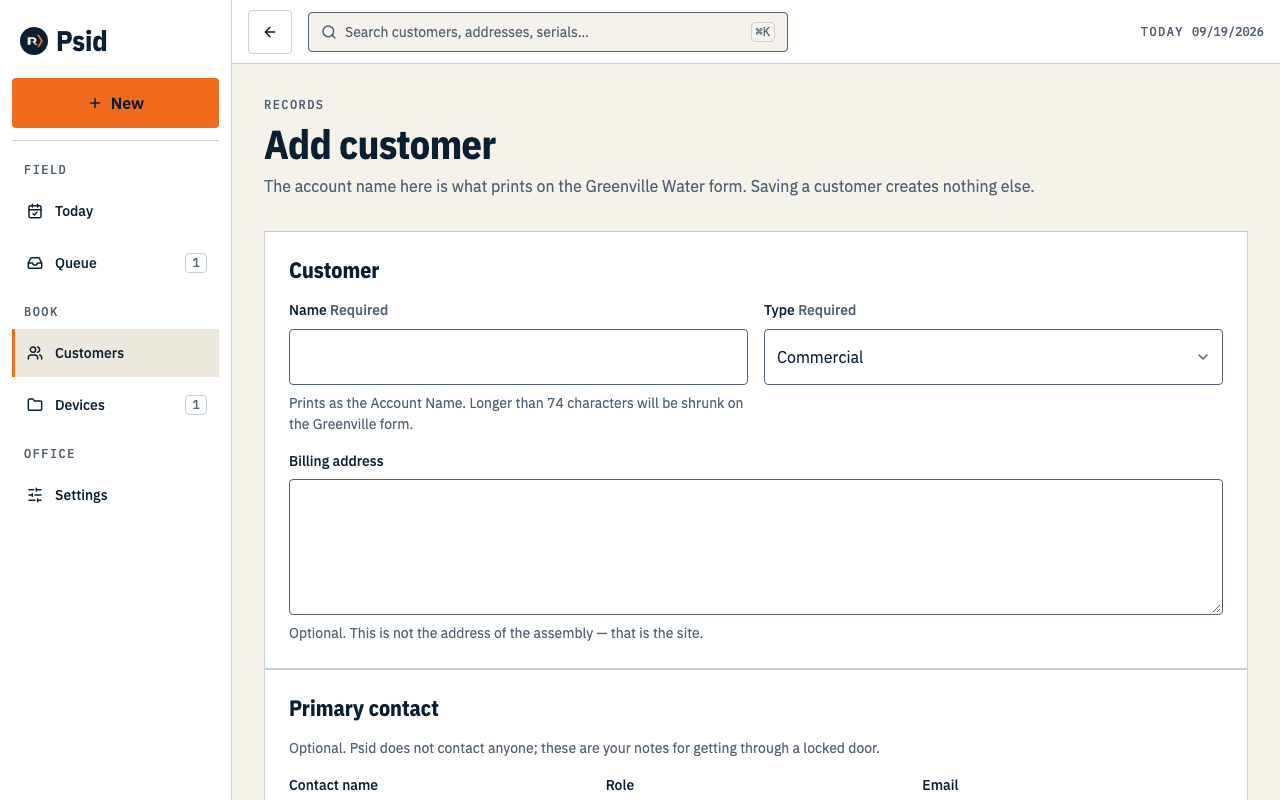
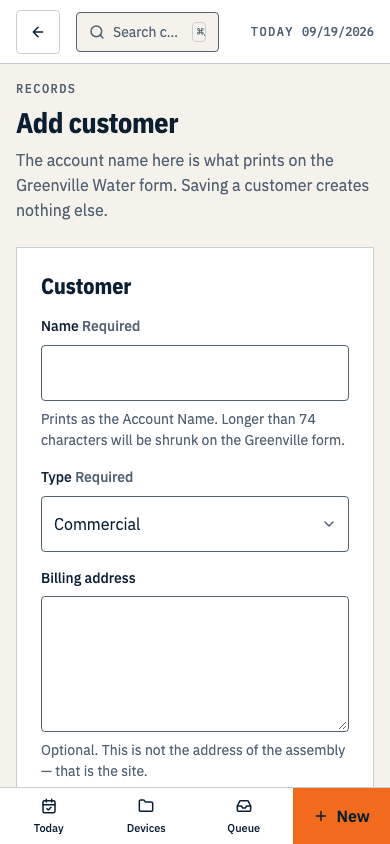
Only Name and Type are required. A contact you do not have yet is a contact you can add later. Add a primary contact if you have one — name, role, email, phone.
The phone is for you to call. Saving it is not permission to text them; Psid sends nothing to anyone.
Press Save and add site to keep going, or Save customer to stop here.
Save and add site carries the customer through, so you do not pick them out of a list on the next screen.
What you get
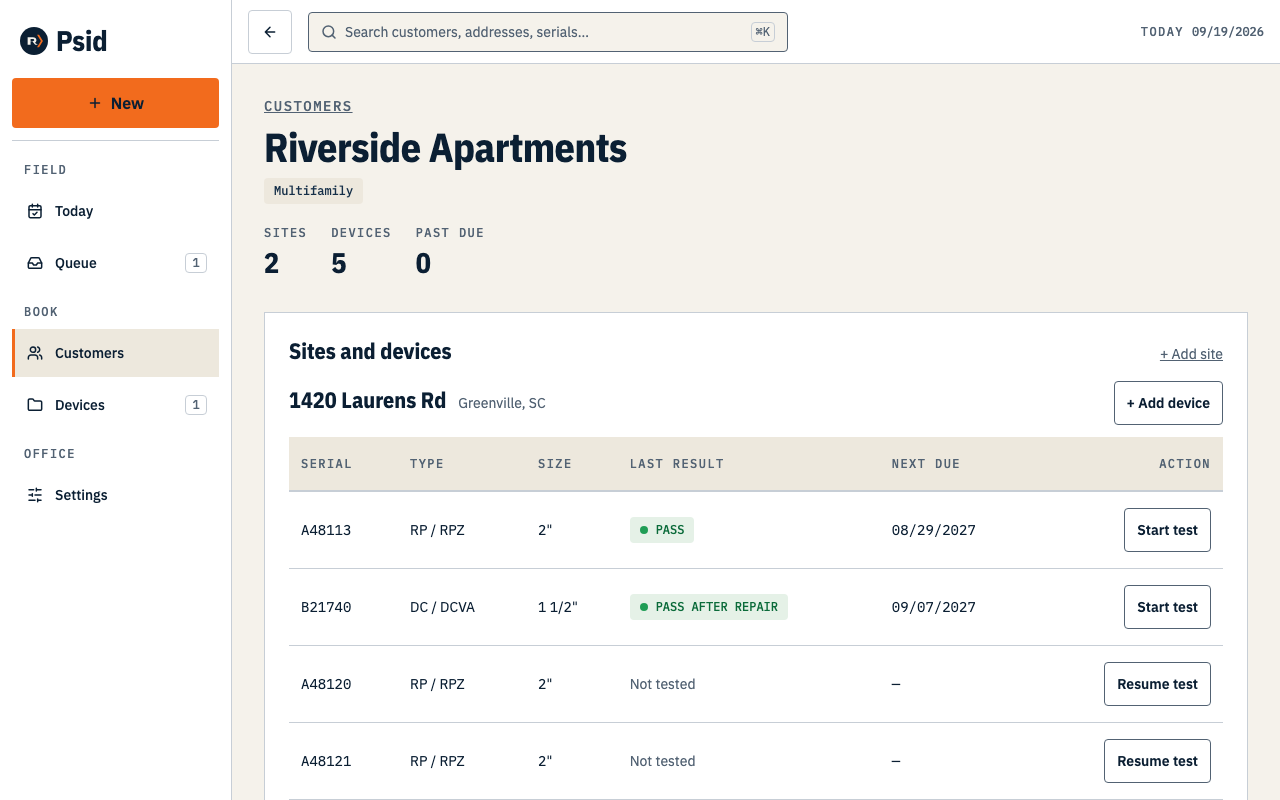
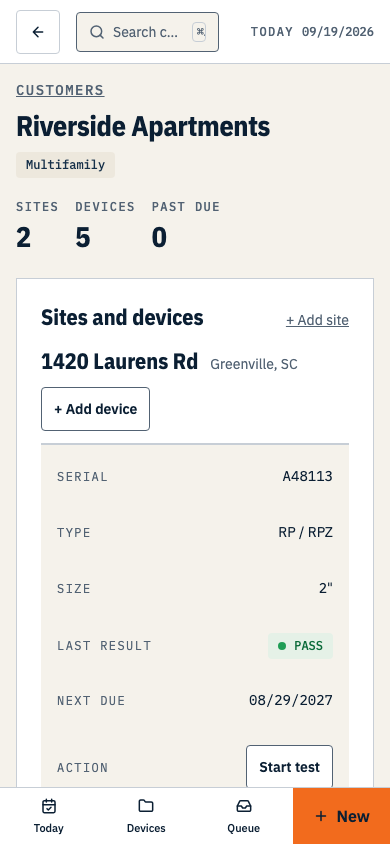
The customer record is where the whole book for that account hangs: sites, assemblies, when each one is next due, and a Start test on every device row.
Saving a customer records what you typed and nothing else. It does not create history, it does not schedule anything, and it does not contact them.