What Psid does today
Psid records backflow tests and fills supported Greenville Water, Spartanburg Water and Easley Combined Utilities reports. This guide also explains important current limits.
Maintained by Psid. Contact support about this guide.
What is built
- Customers, service sites and assemblies, entered by hand.
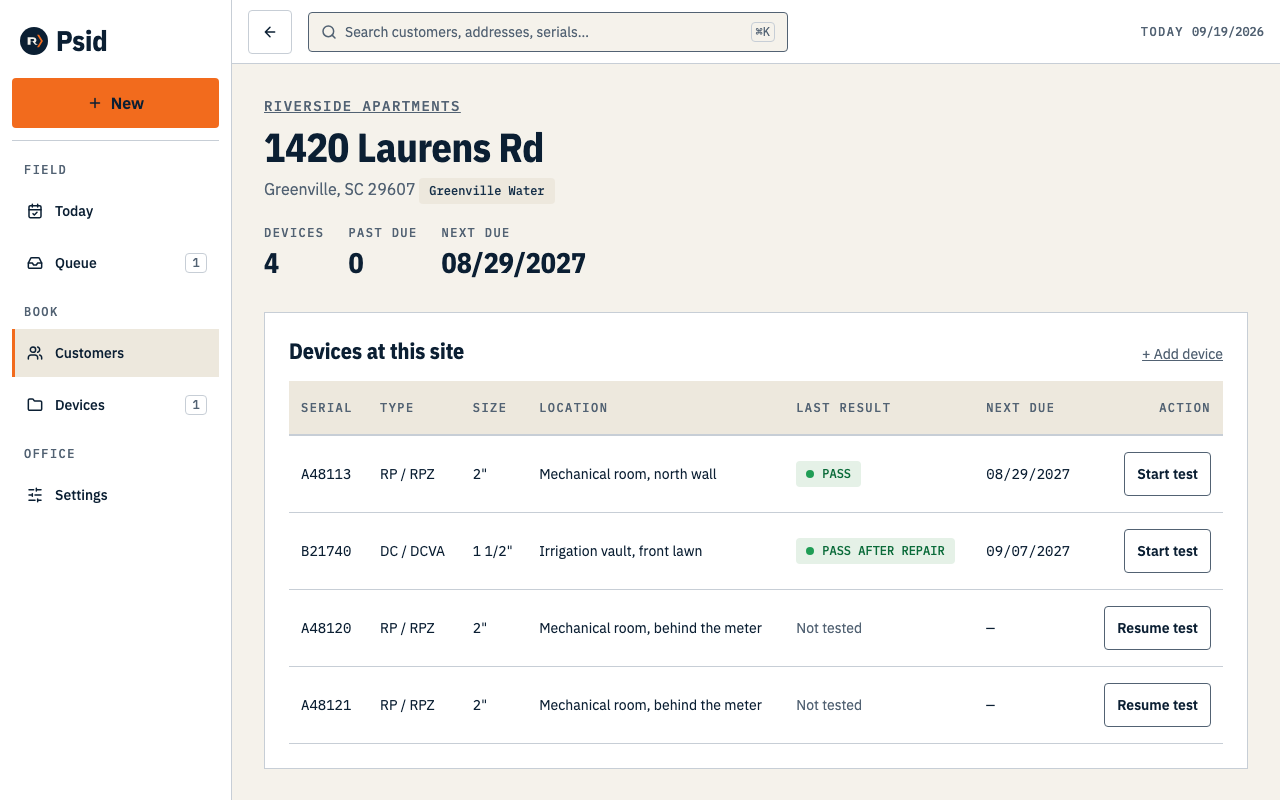
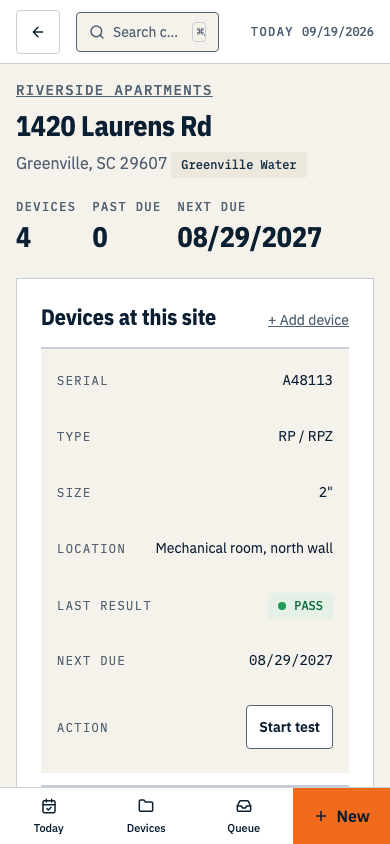
- All nine assembly types can be saved as devices.
- Test entry for RP, DC, PVB and SVB, with the pass or fail verdict shown as you type.
- Repair and retest as separate records. The initial readings are never overwritten.
- Greenville Water, Spartanburg Water and Easley Combined Utilities reports, rendered on their published PDF forms for supported assembly types.
- An owner filing queue and frozen report packets. Greenville portal submissions can be recorded in Psid; Spartanburg and Easley manual deliveries cannot yet.
- Certification and calibration holds at filing time, with audited overrides.
Current limits
These workflows are not available in the current release. Check the relevant guide before planning a job around them.
- Sending anything
- Psid does not send reports by email or text, or submit them for you. Check the utility’s current filing method and submit the report yourself. Greenville portal submissions can be recorded in Psid; keep Spartanburg and Easley delivery proof separately.
- Scheduling and route planning
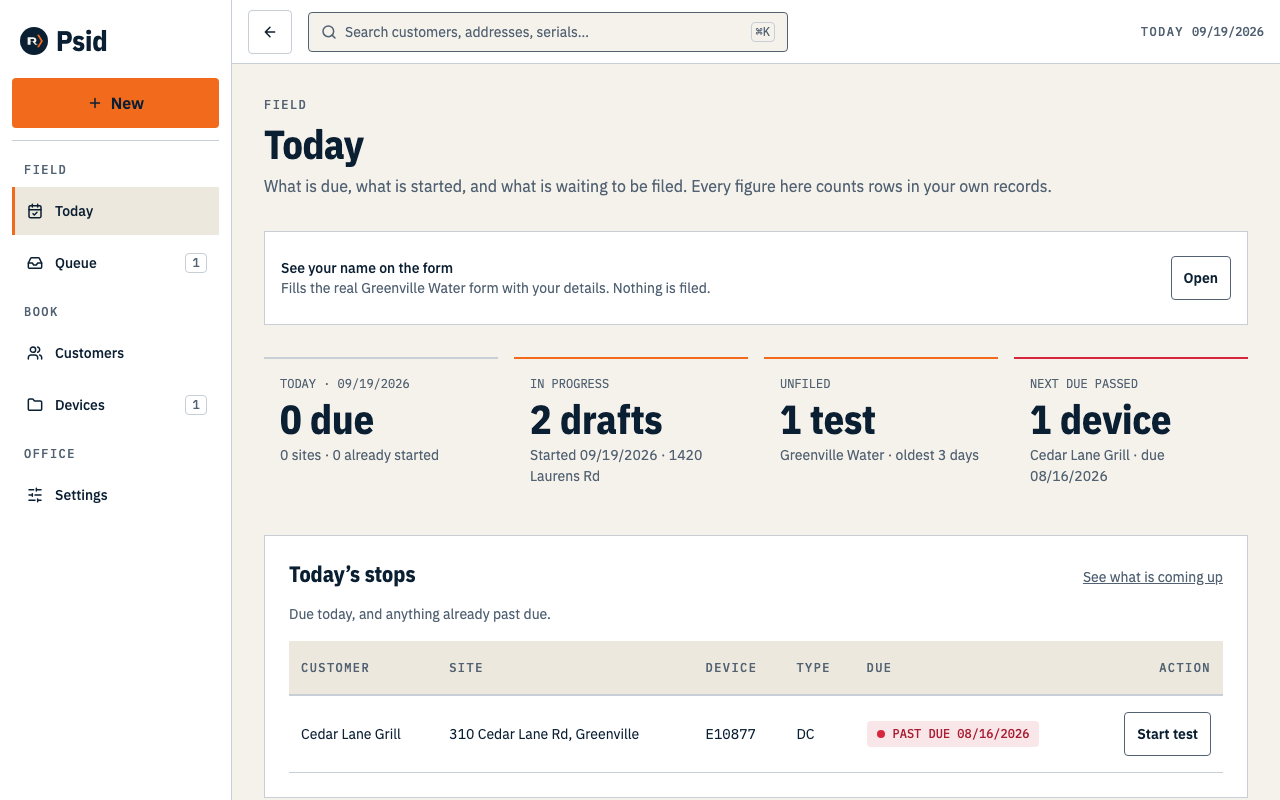
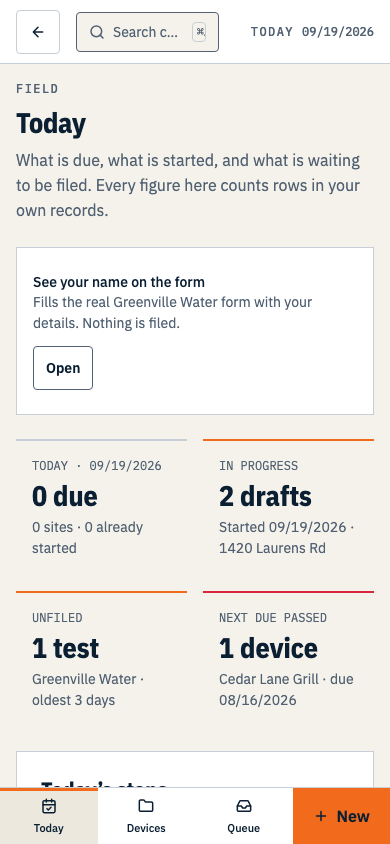
- There is no calendar, no appointment booking and no route optimisation. Today’s screen lists what is due; it does not plan your day.
- Reports and dashboards
- No revenue, productivity or compliance reports. The counts on Today are the only figures Psid computes.
- Renewal campaigns and reminders
- Psid records when a device is next due. It does not contact anyone about it, on any schedule.
- A customer portal
- Your customers cannot sign in to Psid. There is no portal, no shared link and no public record.
- Billing, seats and invitations
- The 14-day trial needs no card and never converts to a paid subscription automatically. After it ends, creating or changing records requires Solo, chosen by the owner in Settings → Billing. Solo has the same current features. Each organization currently has one owner login. Seat limits and team invitations are not built.
- Photos, file uploads and a drawn signature
- No control for any of them renders anywhere. A test records readings, conditions, repairs and remarks. Spartanburg Water’s tester and owner signature lines and Easley Combined Utilities’ tester signature line require completion outside Psid.
- Importing and bulk filing
- No file upload, and no checkboxes in the queue. Review one packet at a time, then submit each report yourself using the utility’s current process.
Gate codes and access notes
A gate code is never shown in a list, a search result or a preview, and it is not part of anything Psid searches. It is revealed only on the site record, one reveal at a time, and every reveal is written to the audit log with who did it and when.
It is not yet encrypted at rest. The column is named for what it will hold, not for what has been done to it — masking a value on screen is not encryption, and we would rather say so than let the name imply otherwise. Treat a gate code in Psid as you would treat one written in a job folder.
Scanning a QR tag
There is no scan button in Psid today. When there is, a scanned tag will resolve to a device already in your records and nothing else: a QR code that carries a web address will never be followed, because an asset tag is a label a stranger can replace.