Working without signal
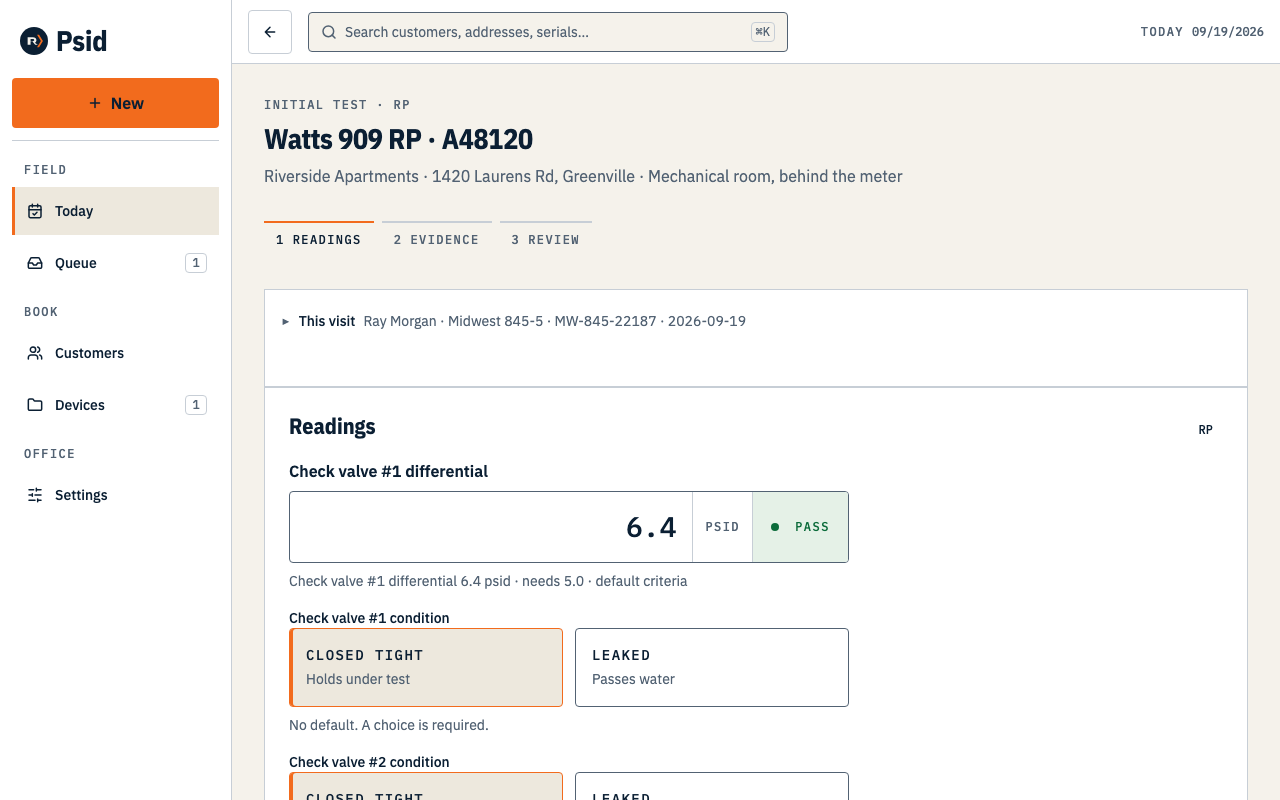
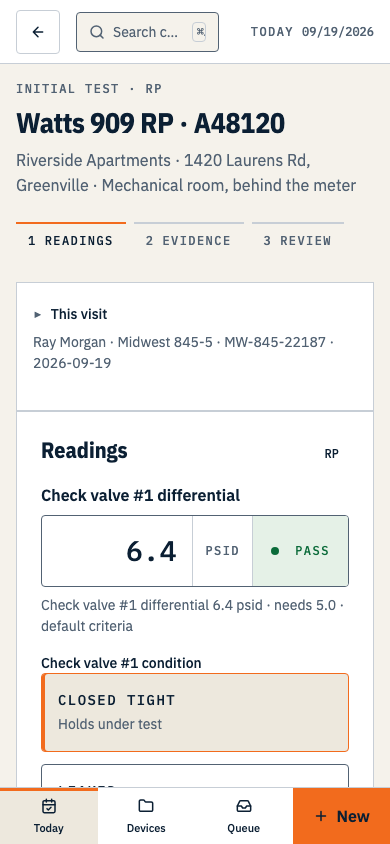
An already-open readings screen can keep a draft in this browser when signal drops. Reconnect, press Upload draft and wait for Saved to Psid before leaving.
Maintained by Psid. Contact support about this guide.
The promise, in full
Saved on this device means: lost if you clear your browser data, not visible from another device, and not a completed test or filing.
That sentence renders next to the save chip on the readings screen too, because it is the kind of thing that has to be true where the claim is made, not only on a help page.
What actually happens as you type
- Watch for the device save
- The open readings screen holds values as you type and saves a local draft after a short pause when browser storage is available. Wait for Saved on this device before relying on that draft.
- The chip tells you which it is
- Saved on this device, or Saved to Psid. Never a bare “Saved” — the difference is the whole point.
- A failed save changes nothing you can do
- You can keep entering readings. Continue needs a successful server save before it opens the next step. If the save fails, stay on this screen and reconnect.
- Uploading is something you press
- While the screen is open, Psid attempts a server save after you pause typing. If that fails, reconnect and press Upload draft. Wait for Saved to Psid before leaving. Drafts do not sync between devices.
What it is not
- It is not sync. A draft lives on one device and does not appear on another.
- It is not visible from another device or session until you reconnect and save it to Psid.
- It is not a filing, and it is not a completed test. Only Complete test makes a record.
- There is no service worker or background sync. Adding a home-screen icon does not make Psid available offline.
- It does not open without signal. The screen has to be loaded before the bars go — tapping the icon in a basement gets your browser’s offline page, not Psid.
Clearing your browser data, or using a private window and closing it, deletes any draft on that device. If a visit matters and you have a bar of signal, press Continue and let the readings reach Psid.
Real sync is deferred, and the thing it waits on is a conflict rule a tester can understand while standing at a backflow. Until that exists, Psid would rather hold one honest draft than silently pick a winner between two.