Run a test
From the device to a completed record is one screen of readings, one screen of remarks, and the verdict shown as you type rather than after you submit.
Maintained by Psid. Contact support about this guide.
Starting
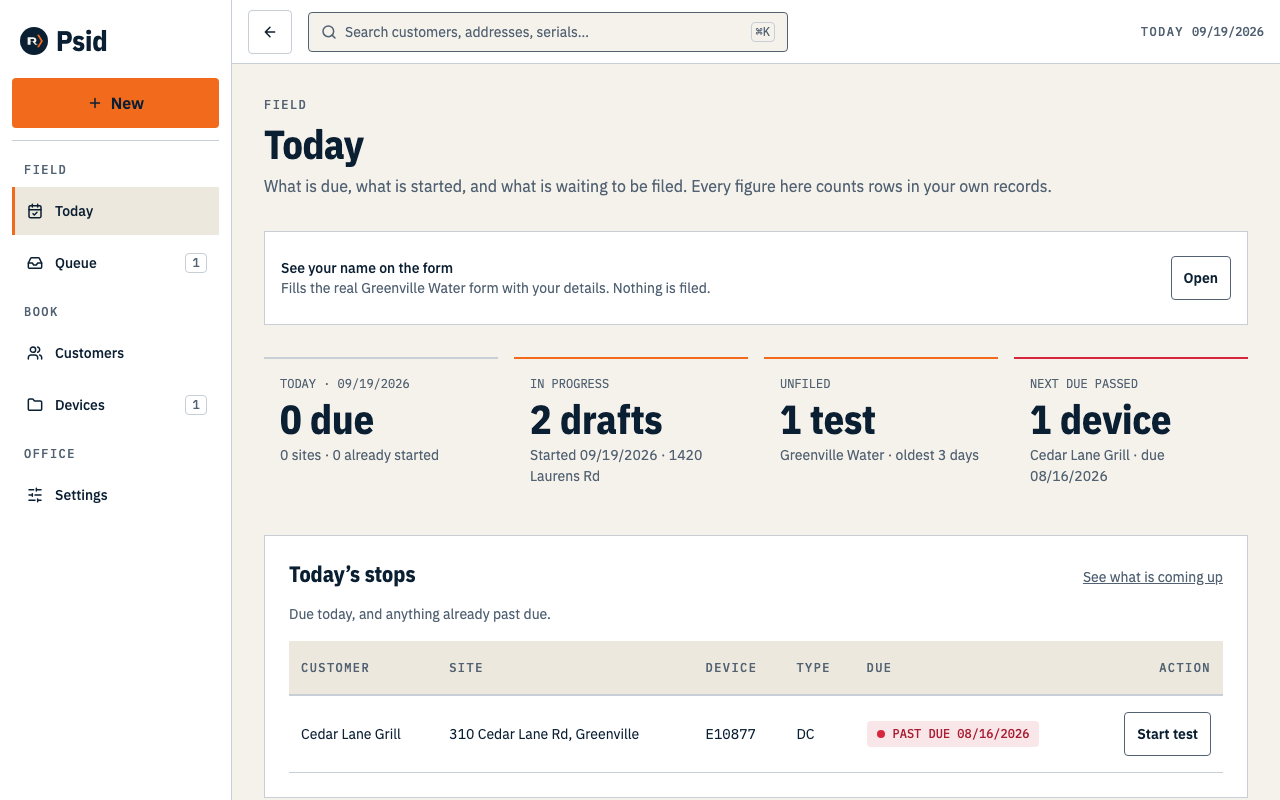
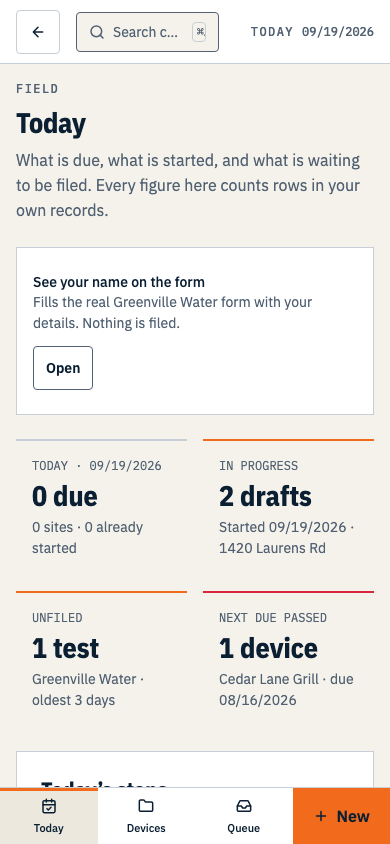
Start test is on the device record, on Today, on the site and customer records, on every row of the devices list and of search, in + New → Test, and in the command palette. If a draft is already open for that assembly the same control reads Resume test, so you cannot start a second draft by accident.
Steps
Check the visit panel at the top: tester, gauge, test date.
It is collapsed and already correct on a normal day. Open it when you are testing on someone else's gauge or writing up yesterday.
Type each reading. The keypad comes up; one decimal place is all the field will take.
Type 6 and leave the field and it becomes 6.0. An empty field stays empty — it never quietly becomes 0.0, because a zero you did not measure is a lie on a form.
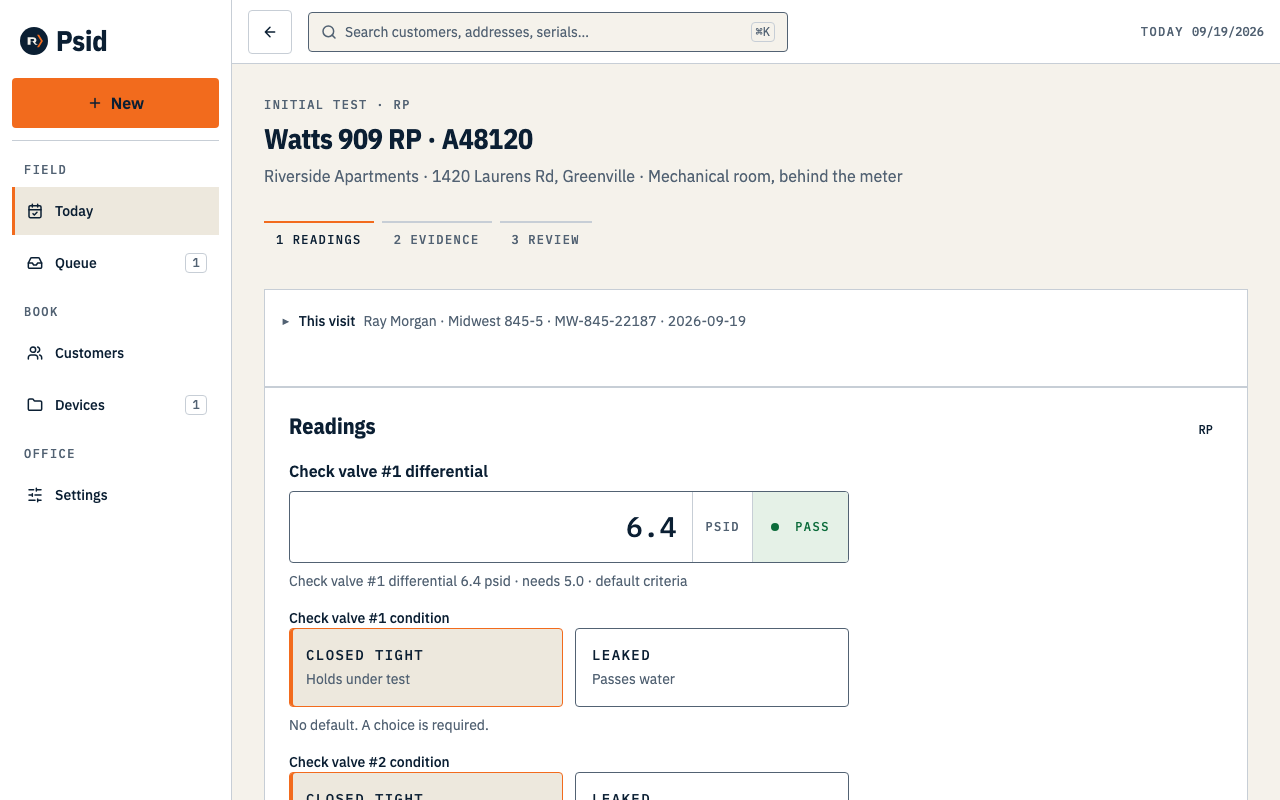
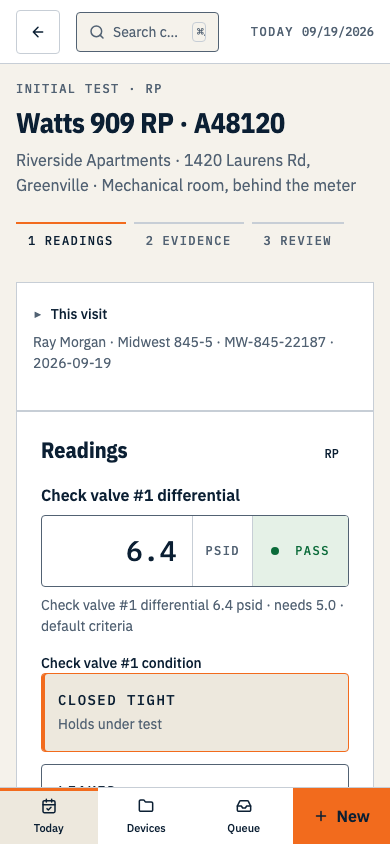
Each row grades itself as you type, against the threshold printed under the field. Mark CLOSED TIGHT or LEAKED where the form asks for it.
Neither is preselected. Psid will not guess a condition you have not observed, and an unmarked line prints blank.
Press BOTH SHUTOFF VALVES HELD if they did, which records #1 and #2 in one tap, or Enter them separately if they did not.
Press Continue.
Everything passing goes to the remarks screen. Anything failing goes to the repair screen instead.
The thresholds
- RP / RPZ
- CV1 at least 5.0 psid, CV2 closed tight, relief valve opening at least 2.0 psid.
- DC / DCVA
- CV1 and CV2 each at least 1.0 psid.
- PVB and SVB
- Air inlet opening and check valve each at least 1.0 psid.
These are the defaults from the assembly standards, and the screen labels them as defaults. Psid does not invent a utility's rule: where a program publishes its own criteria, the program's number governs.