A test that fails
A failed reading is not a dead end and not an overwrite. You record what you repaired, retest, and the record keeps both sets of readings side by side.
Maintained by Psid. Contact support about this guide.
Steps
Enter the reading you actually measured. The row grades itself FAIL and the visit chip follows it.
Nothing is blocked and nothing is hidden. You can keep typing the rest of the readings.
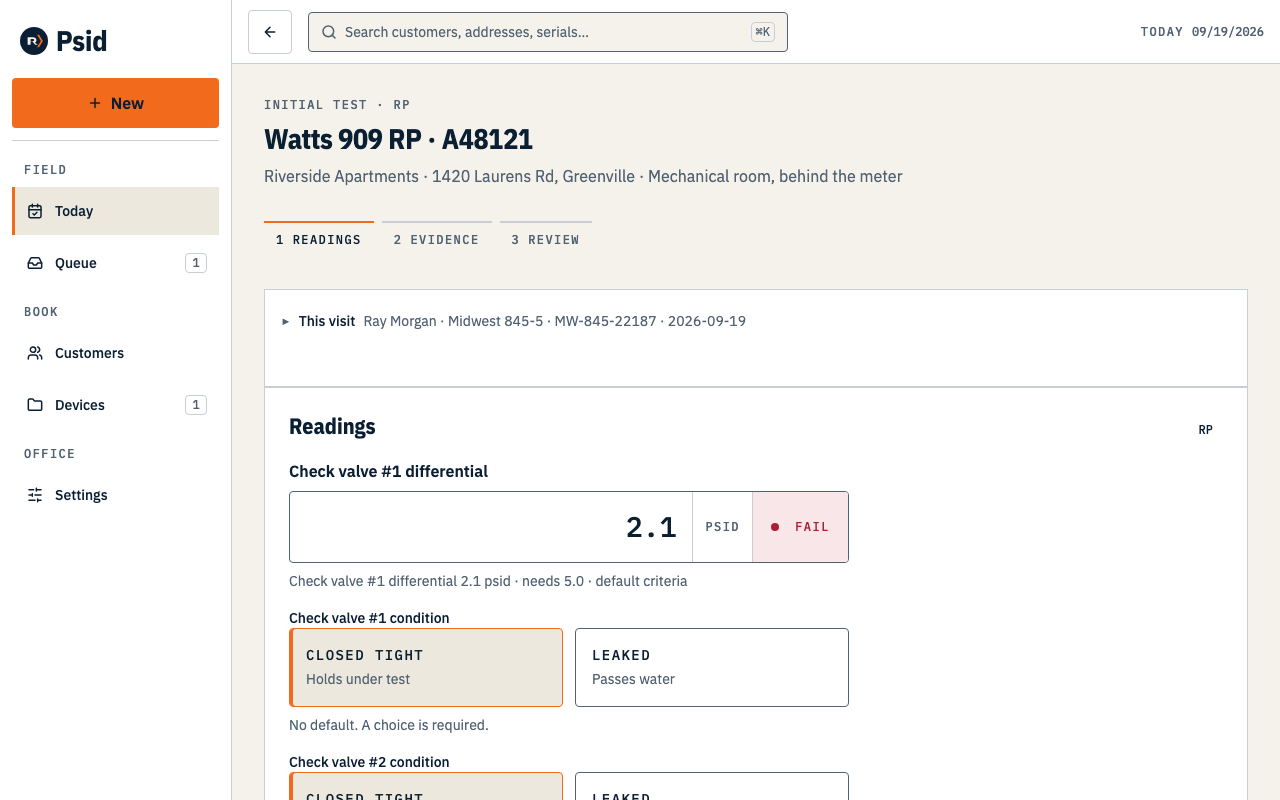
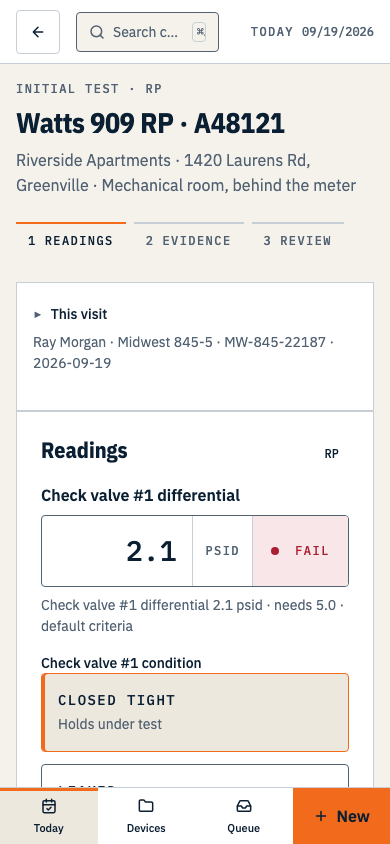
2.1 against a 5.0 threshold. The row says FAIL while you are still standing there. Press Continue. Psid routes a failed initial test to the repair screen.
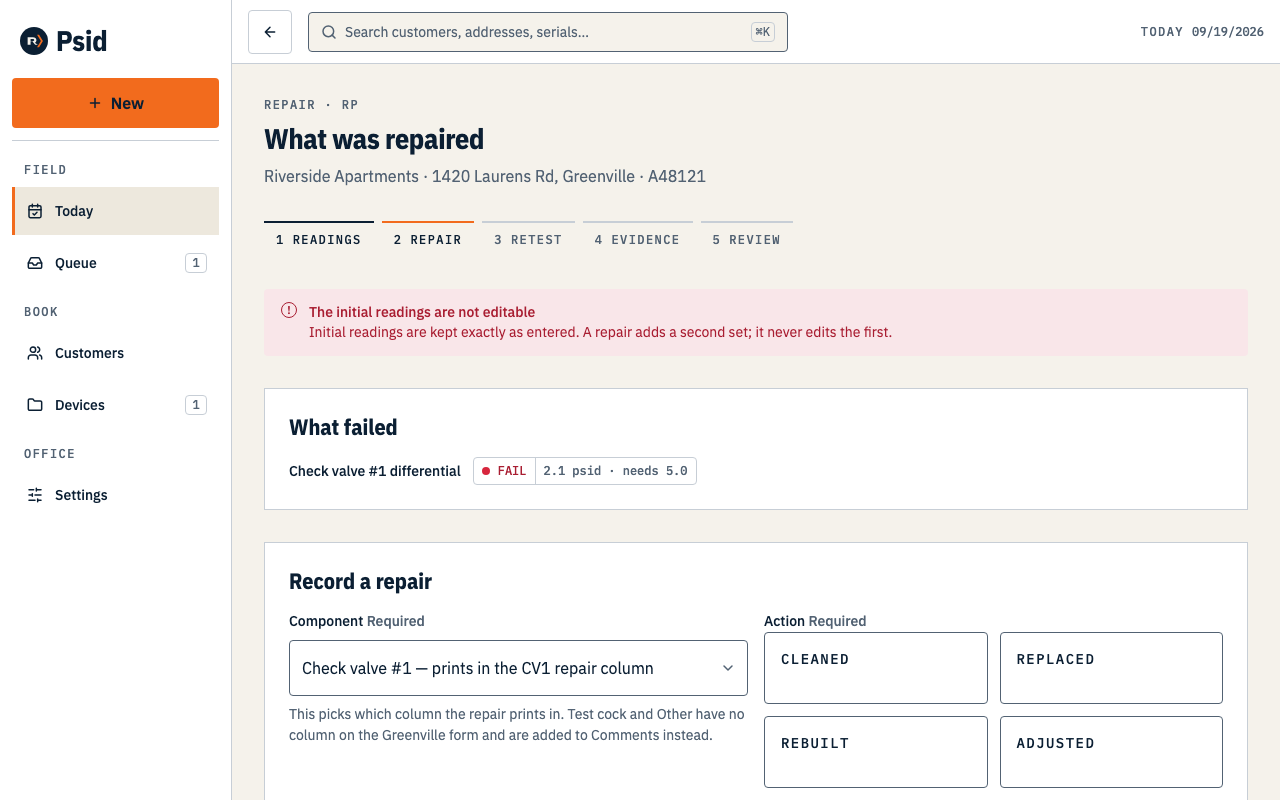
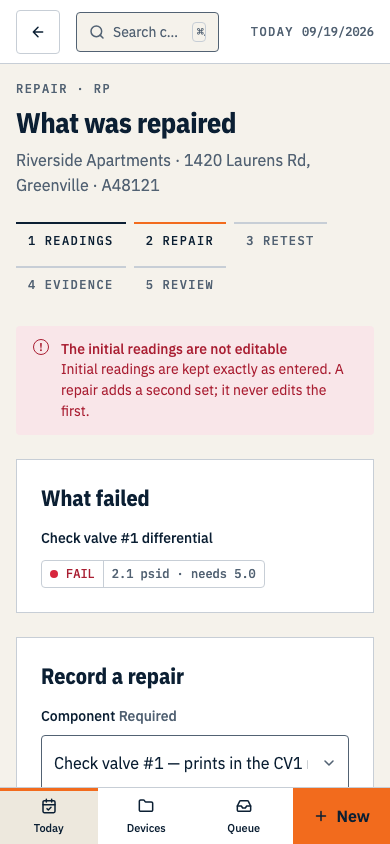
What failed is listed for you. You record the component, what you did to it, and the parts. Choose the Component and the Action — Cleaned, Replaced, Rebuilt or Adjusted — then the parts and any notes.
Each component says where it prints. Test cock and Other have no column on the Greenville form, so they go into the Comments lines instead.
Press Record and add another for a second repair, or Start retest.
Enter the retest readings on the same screen, now headed After repairs.
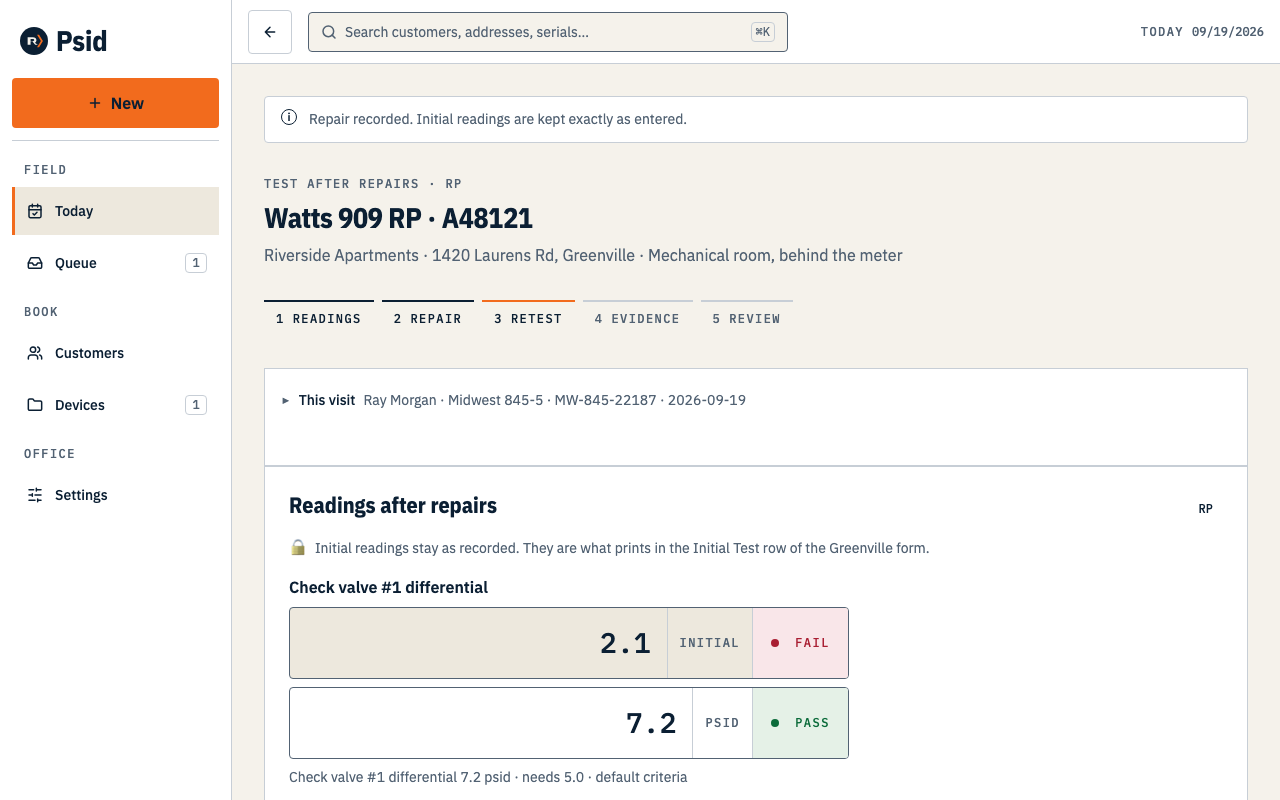
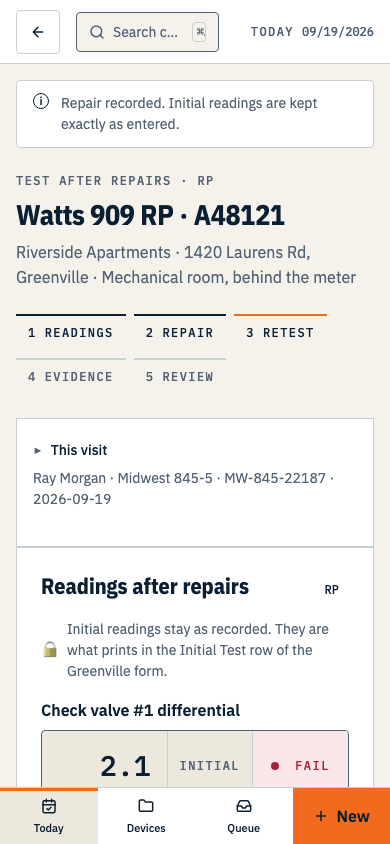
The initial readings sit beside the new ones, locked. Nothing you type here overwrites them.
What the record says afterwards
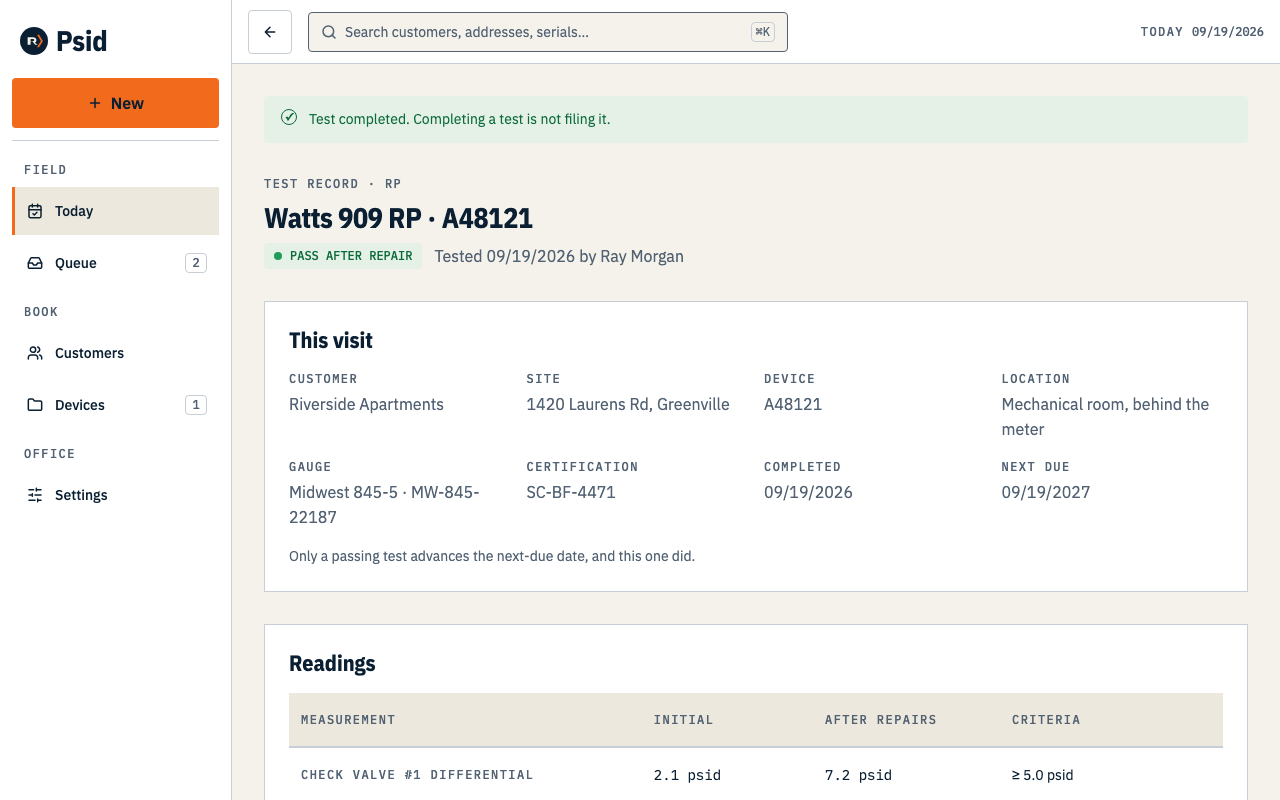
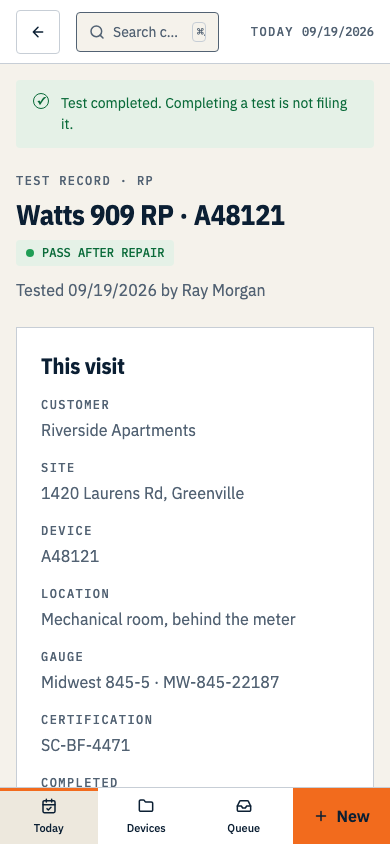
- The initial readings are permanent
- They are stored as their own stage and shown beside the retest. A repair never edits the numbers that made it necessary.
- The result is PASS AFTER REPAIR
- A distinct result, printed as such. Next due advances from the test date, because the assembly ended the visit working.
- A repair that cannot be done today
- Complete as failed records the visit as it stands, with no repair and no retest. The next-due date does not move — a failed assembly is not compliant for another year because somebody looked at it.
If the assembly could not be tested at all — frozen, buried, no water — use Record as not tested on the readings screen and give the reason. That is a recorded visit with no readings, and it advances nothing.