Add a service site
A site is one service address: the utility that governs it, the account and meter numbers that print on the form, and how you get in.
Steps
From the customer record, press Add site. From anywhere else, press + New and choose Site, then pick the customer.
Type the Street, City and State. Those three are required.
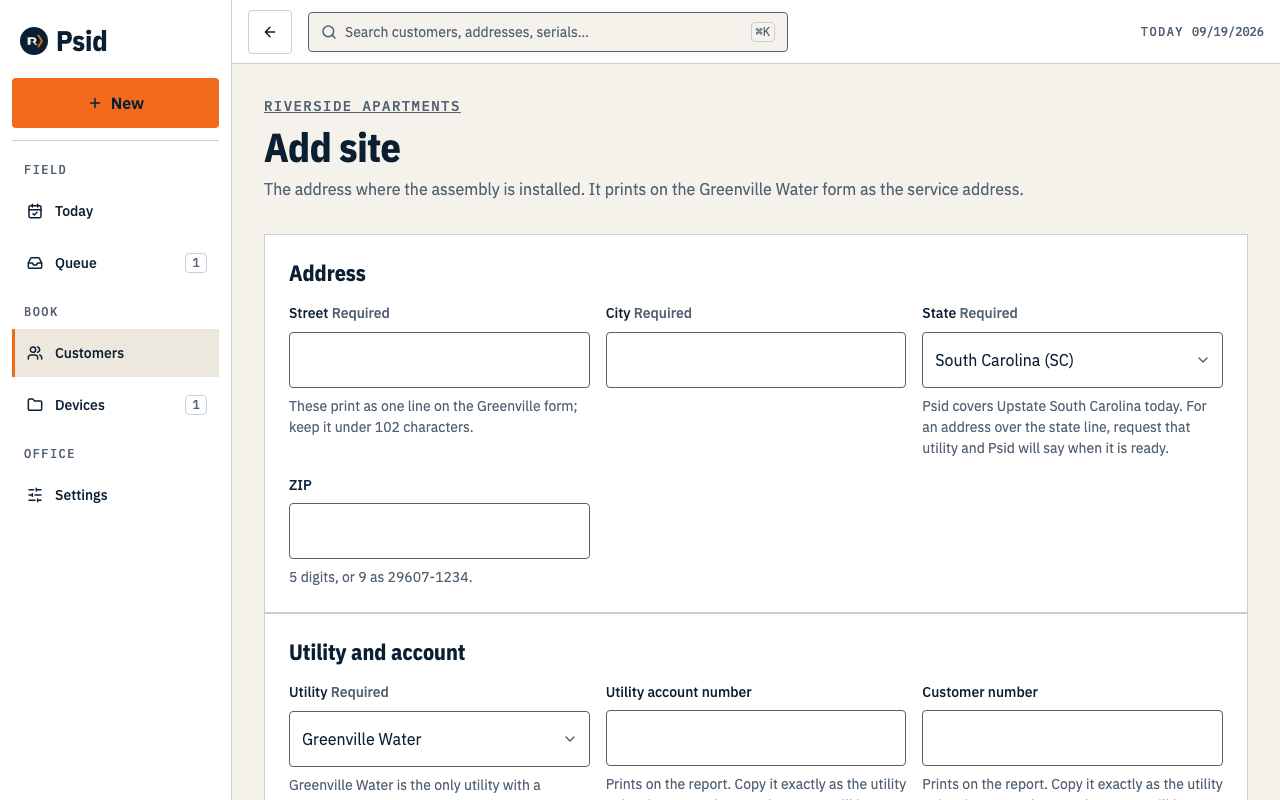
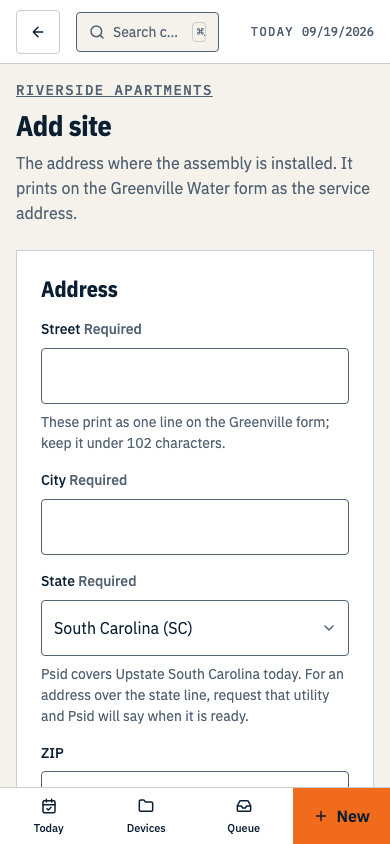
Address, utility, the numbers that print, the hazard, and how you get in — in that order. Choose the Utility.
Greenville Water is the one program whose form Psid can fill. Any other utility can still be recorded; you just cannot generate its form yet, and the screen says so under the field.
Enter the Utility account number, Customer number and Meter number if the utility gave you them.
These four values print straight onto the Greenville report, so a number typed right once here is a number you never write again.
Record the Hazard type and degree, and anything you need to get on site.
Access notes and a gate code both live here rather than in your head or a job folder.
Press Save and add device, or Save site.
The site record
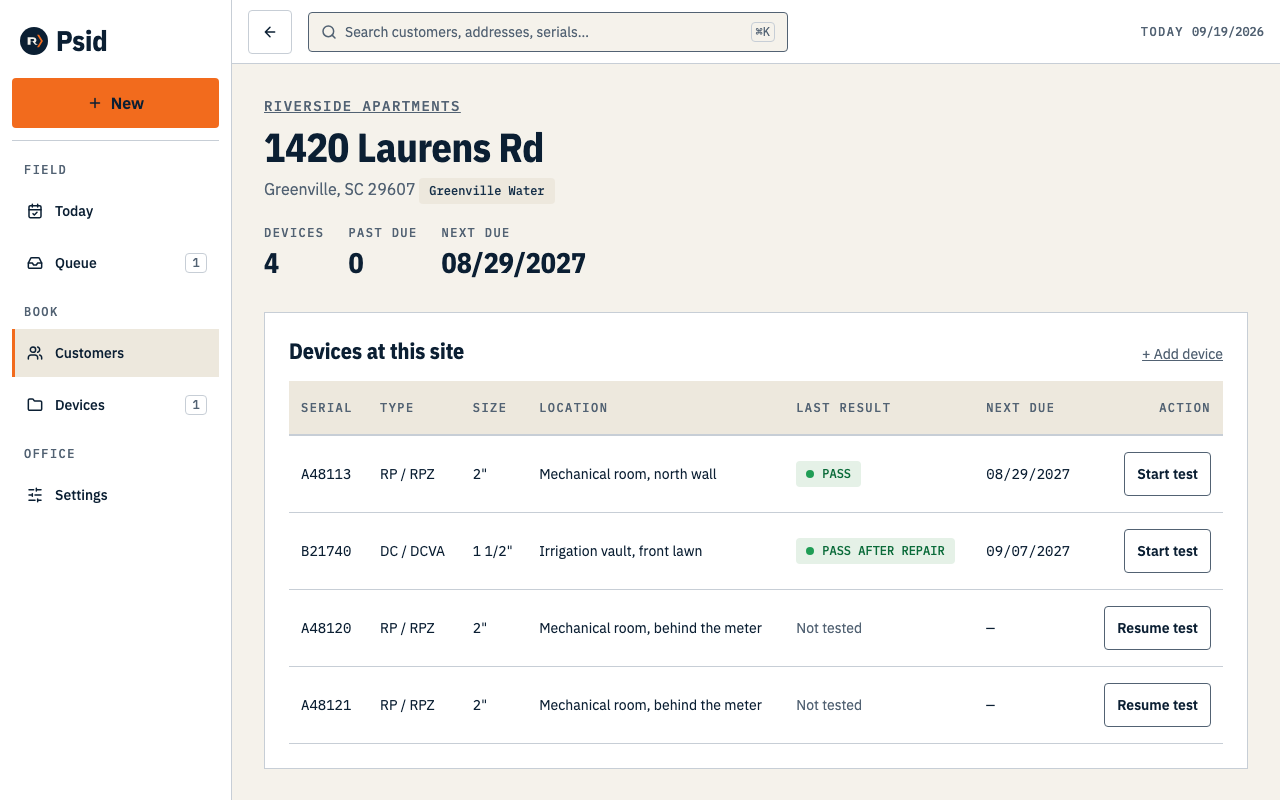
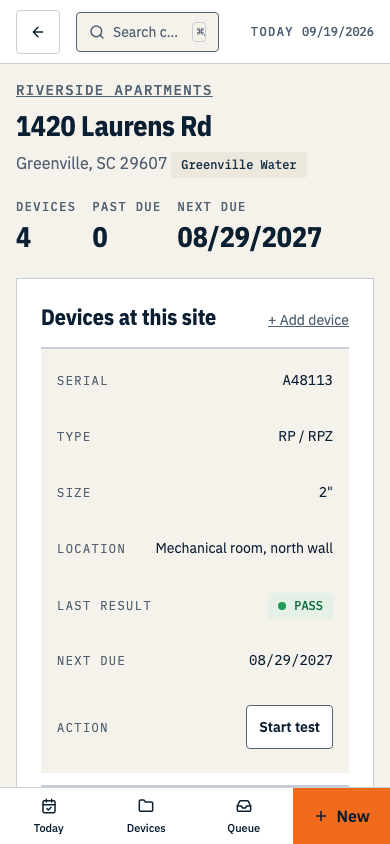
A gate code is masked on screen, kept out of every list, preview and search result, and every reveal is recorded with who did it and when. It is not encrypted at rest yet — masking is not encryption, and we would rather say so. Treat one in Psid as you would treat one written in a job folder.