Record a Greenville portal submission
After a real Greenville Water portal submission, record its confirmation or explain why no number was provided. Spartanburg and Easley manual delivery cannot be recorded here yet.
Maintained by Psid. Contact support about this guide.
Steps
On the filing, find Record the submission.
Tick I submitted this report in the portal.
Tick this only after you actually submit in the portal. If the utility requires another route, do not claim a portal submission; ask support how to record it. This is your statement, not Psid’s claim about utility receipt.
Type the Confirmation number the portal gave you.
If it gave none, open The portal gave no confirmation number and say what happened instead. A missing number with a reason is a record; a missing number with nothing is a gap you will not remember next year.
Set Submitted at if it was not now, then press Save submission record.
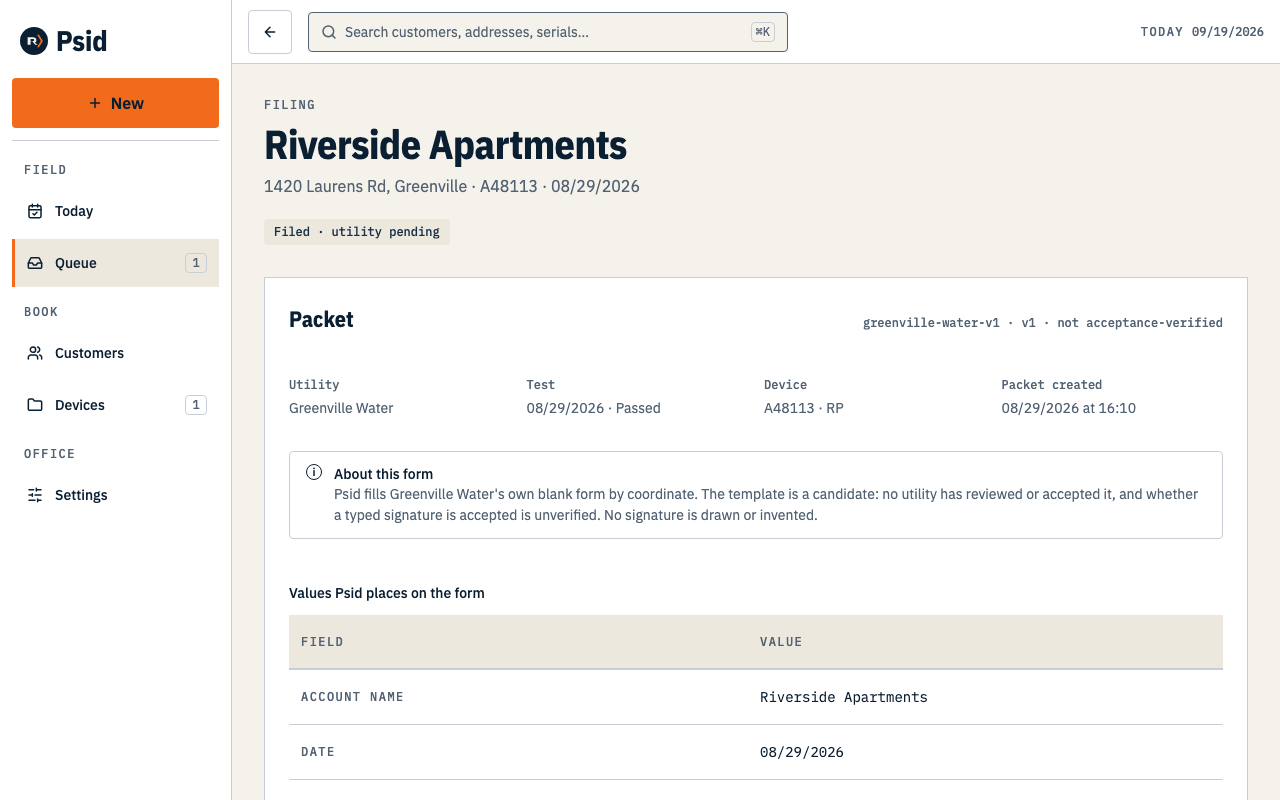
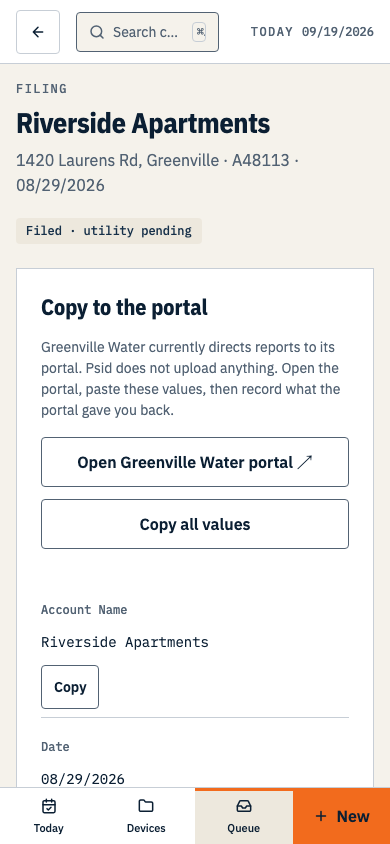
Filed · utility pending. That is the most the record can honestly claim.
What the chip means
- Filed · utility pending
- You recorded a portal submission and its confirmation or explanation. Psid has no connection to the utility and cannot verify receipt or acceptance.
- Never Accepted or Approved
- No current screen says a utility accepted a report. Psid has no utility status feed, so it cannot independently make that claim.
- Superseded
- If a filing packet has to be corrected, the new one supersedes it. The earlier packet remains available and unchanged; follow the utility’s process for correcting any report you already submitted.
If Greenville Water later rejects the report, nothing arrives in Psid to tell you. There is no inbox, no bounce queue and no status feed. Watch its portal.