Prepare Easley Combined Utilities’ report
Psid can fill Easley Combined Utilities’ published PDF for RP, DC and PVB tests. Check the packet, complete the tester signature, and confirm the current submission route with the utility before sending it.
Check the assembly
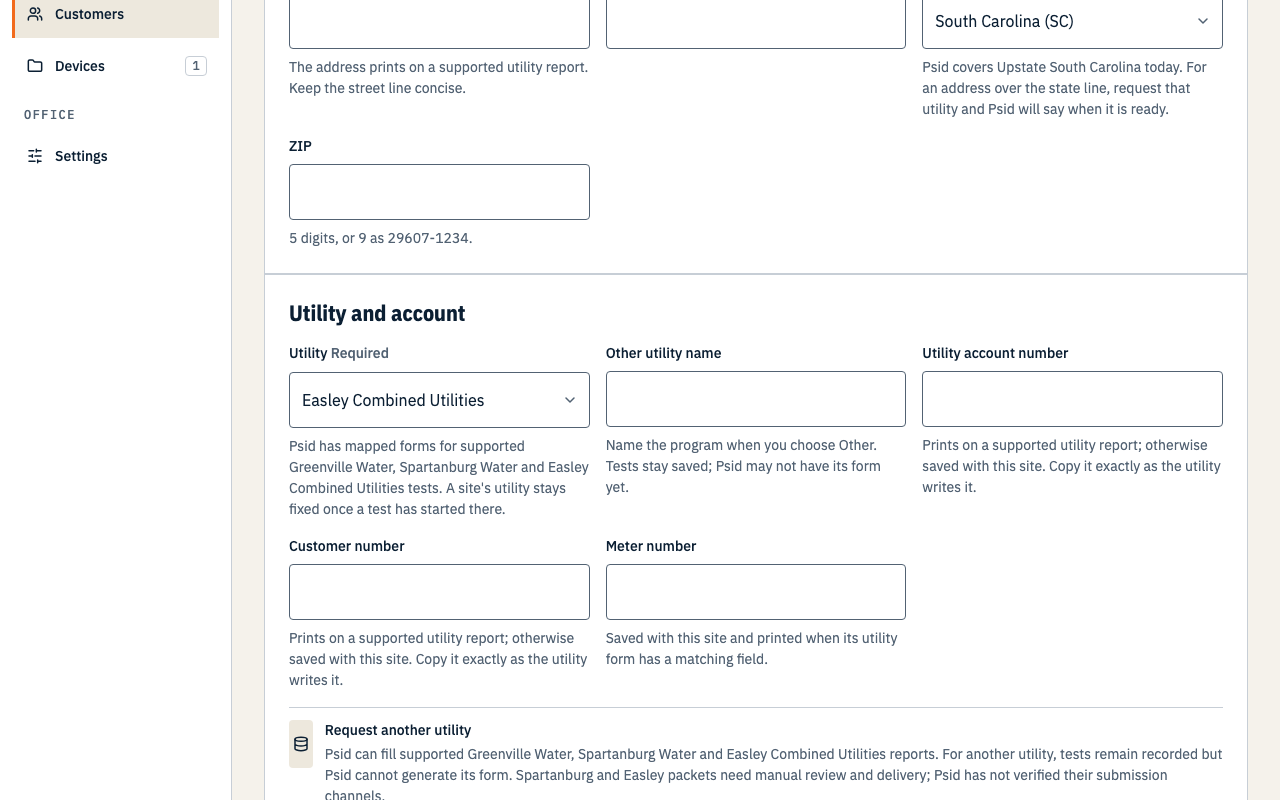
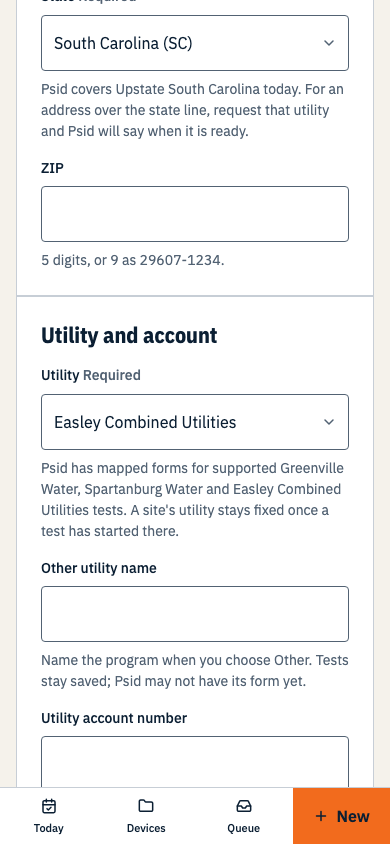
Choose Easley Combined Utilities on the site, then record an RP, DC or PVB test. The published form is a generic one-page report with no assembly-type checkbox or bypass fields. Psid cannot produce an Easley report for an SVB, detector or visual assembly. Check that the device name and details identify the assembly clearly on the printed sheet.
Review and sign the packet
Complete the test, then open Review filing and download the PDF.
The filing freezes the values placed on Easley Combined Utilities’ published sheet. The HTML review lists mapped values and blank boxes, but the PDF is the form you must inspect and return.
Check every printed field.
Review the account and meter numbers, account address, device name and identifiers, before- and after-repair readings, repairs, tester certification, testing method and any blank lines. Psid cannot verify that every detail the utility expects was present in your record.
Complete the tester certification and signature as required.
The form has a tester signature line. Psid leaves it blank for signing outside the app. Confirm with the utility whether a typed or handwritten signature is required before returning a real report.
Confirm the submission route
Easley Combined Utilities links the Backflow Prevention Test PDF from its Water page. Neither that page nor the form states where or how to submit a completed backflow report. Do not use a billing portal or a fax number for a different form by assumption. Ask Easley Combined Utilities for its current accepted route and signature policy before sending a real report.
Psid does not send the Easley report or record its manual delivery. Keep your own proof of submission and any utility response outside Psid. A frozen filing packet is not evidence that Easley Combined Utilities received or accepted it.